
The Completion Progress Block is a visual tracking plugin for myTIMeS that displays a color-coded progress bar to show students which activities or resources they have finished and what tasks remain.
-
Green: Completed
-
Blue: Not completed
-
Red: Submitted late / past due / completed, but does not meet the requirements.
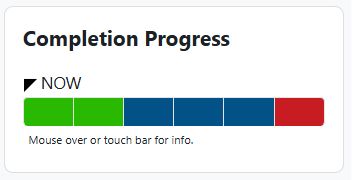
Before adding the completion progress block to the module, please complete the following prerequisite :
Completion Block Configuration
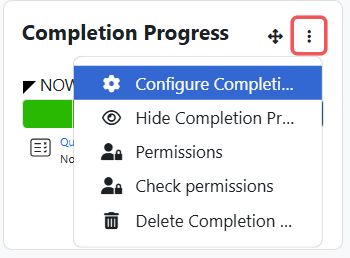
Step 1 : If you want to configure the bar, select "Configure Completion Progress block" from the top right corner.
Step 2 : You can change the Block Settings to your liking. Click on the "Question Mark" tool to see what each setting does.
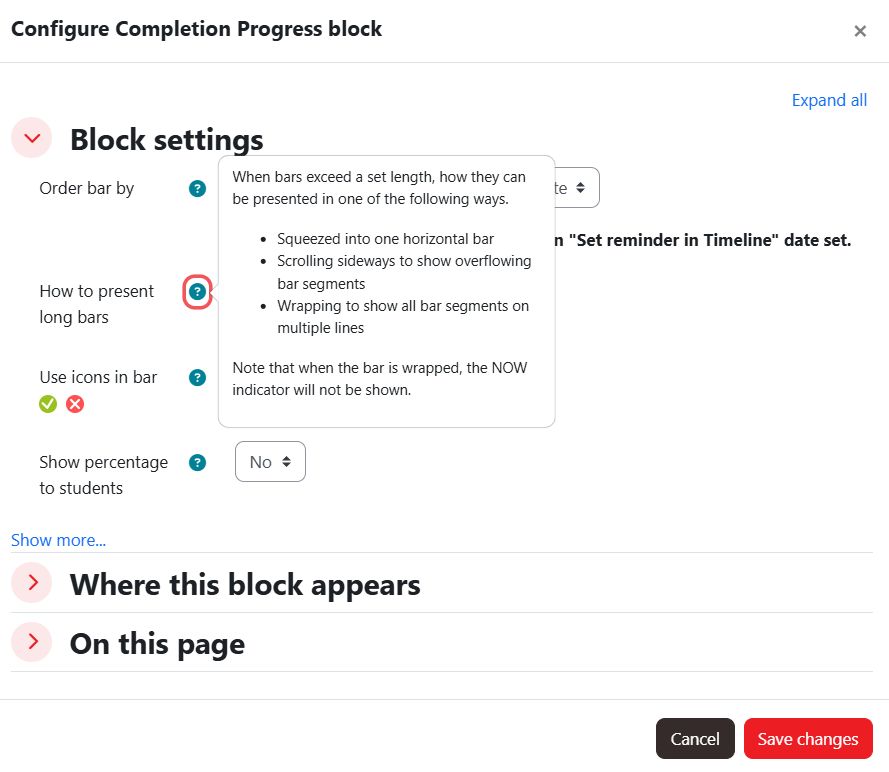
Step 3 : Click "Show more..." to view more settings.
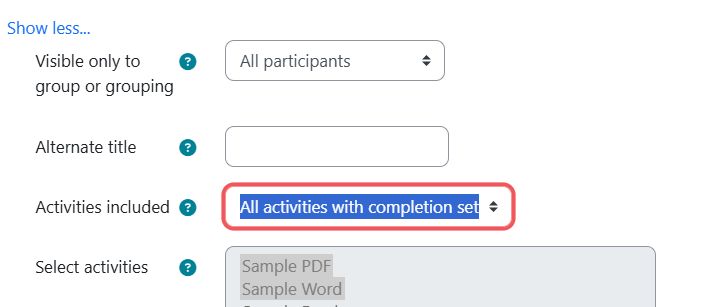
Optionally, you may choose "Selected activities" to selectively include activities in the completion progress block.
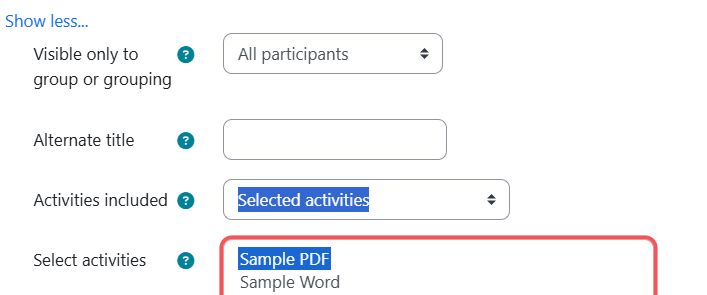
Multiple selections can be made by holding the 'ctrl' key and clicking or dragging.
Step 4 : After making the required changes, click "Save changes".