
Step 1 : Go to https://mytimes.taylors.edu.my/login/index.php
Step 2 : Click on "Taylor's Microsoft Account".

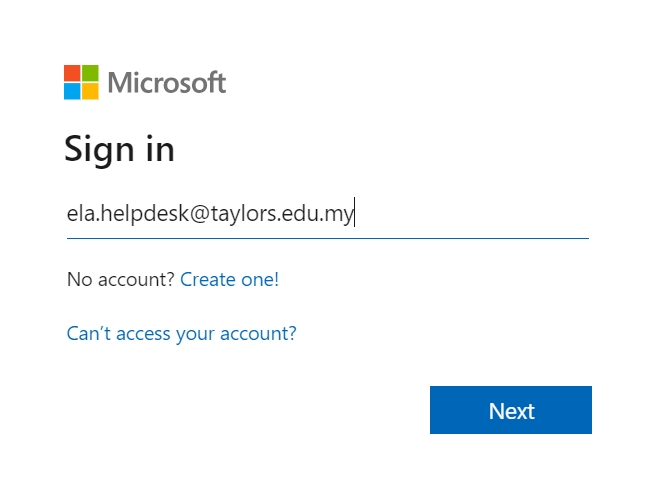
Step 4 : Enter your Taylor's Email and click "Next".
Step 5 : Enter the password and click "Sign In".

Step 6 : Multi Factor Authentication (MFA) Prompt: After entering your credentials, you’ll be prompted for MFA. Depending on your MFA setup, this could be a text message, phone call, or authentication app notification.
Step 7 : Complete MFA: Follow the instructions to complete the MFA process.
Step 8 : You will be redirected to the dashboard interface after logging in successfully.